
Setting a URL for your resume
If you are sharing your resume online, you can customize the URL that hosts your resume.
To change your resume URL:
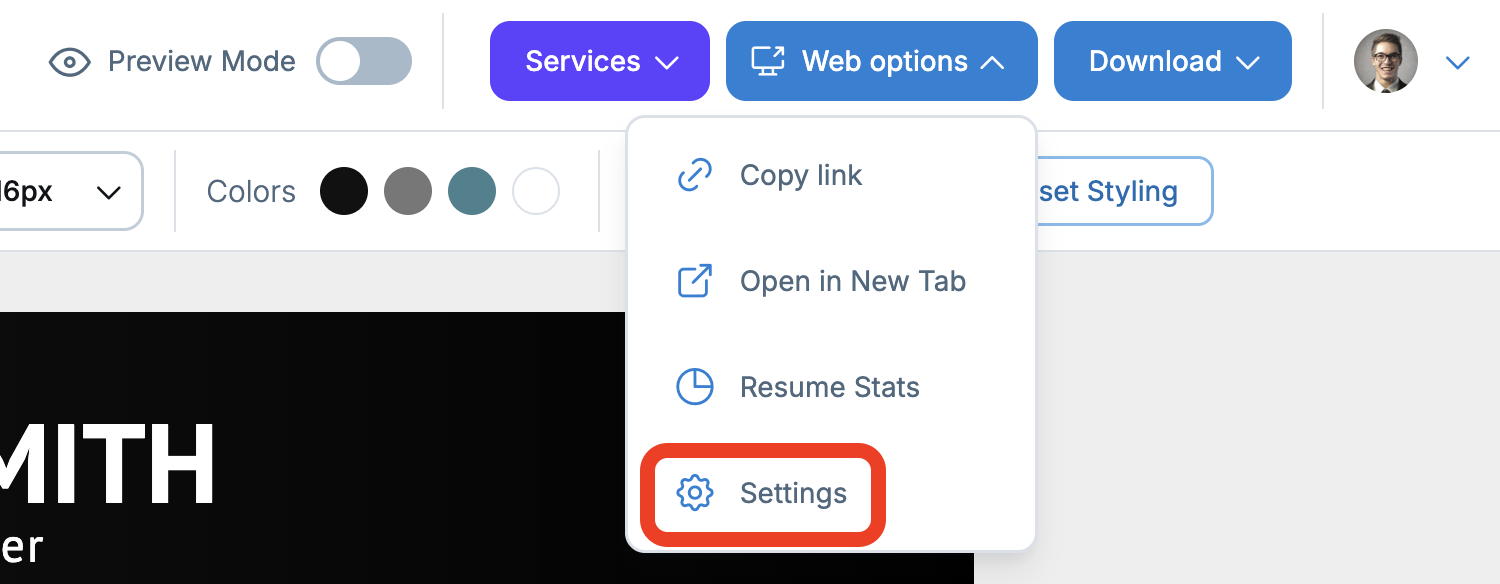
1. In the resume editor, open the Web options menu in the top right corner, then select Settings from the dropdown menu. A Resume web options window will appear.
2. In the URL field, type your URL.

3. Click Save.
Your resume URL will be saved. You can now send this link to others so they can view your resume.